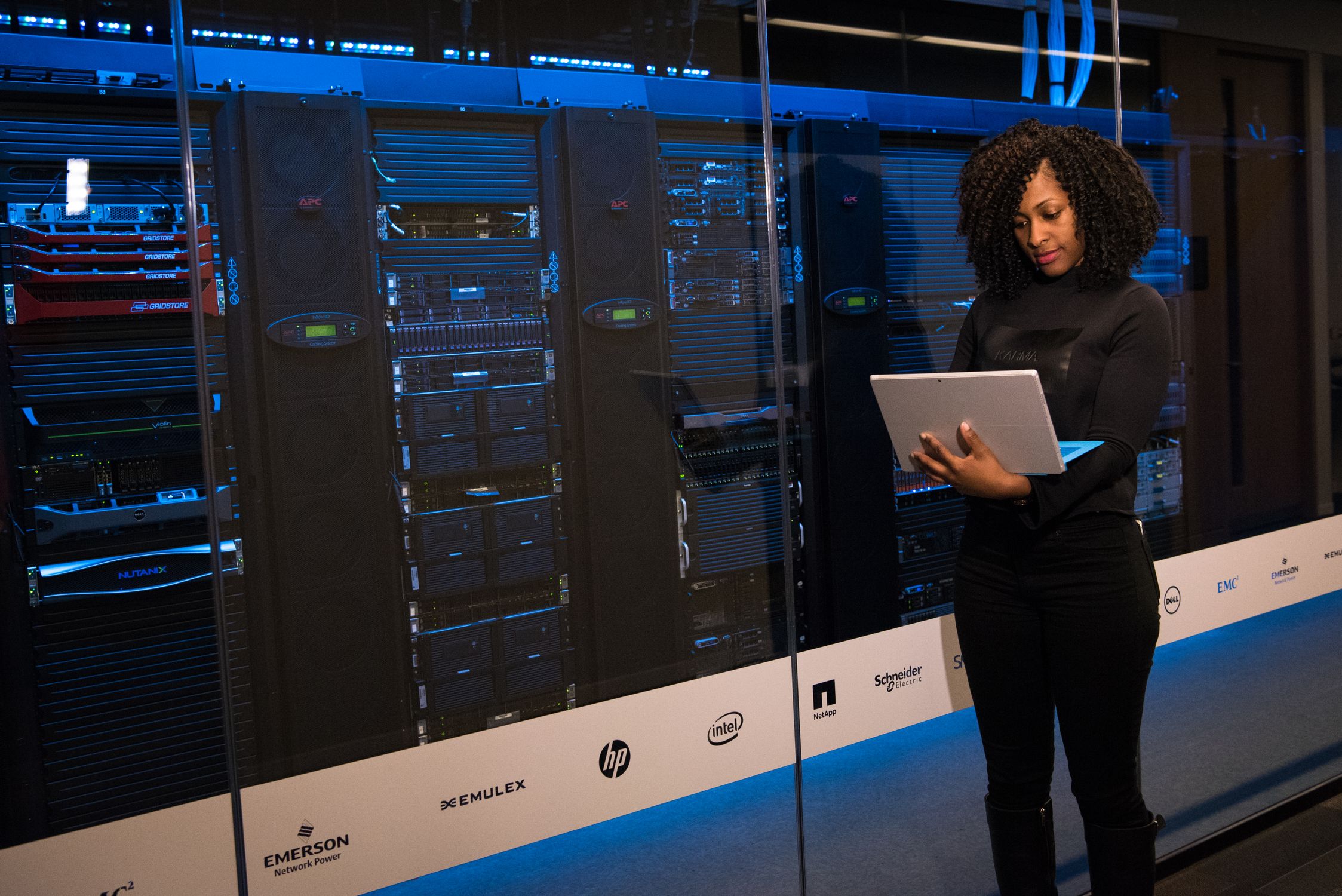
Business in a Box: How We Deliver Enterprise IT to Small Businesses
MSP Business in a Box — how FTS delivers enterprise IT to SMBs

A 40-person accounting firm shouldn't have to choose between "pay enterprise prices for enterprise IT" and "hope nothing breaks." But that's the choice most small businesses face.
The service model I've built at Fitzgerald Tech Solutions — what I call Business in a Box — is an attempt to give SMBs enterprise-quality IT infrastructure at a price point that actually works for them, delivered without a team of 12 engineers. Here's how it works and what goes into it.
What "Enterprise IT" Actually Means for an SMB
When I say enterprise-quality, I mean specific things:
- Monitoring: Every server and network device is monitored. Alerts fire before customers are impacted. I know about disk filling up before the client's QuickBooks goes down.
- Backup and recovery: Daily backups, weekly verification tests, documented recovery procedures. Not "we think backups are running" — actual tested restores.
- Identity and access management: Centralized directory (Samba4 AD in most cases), single sign-on, proper offboarding when employees leave. Not "here's a shared password spreadsheet."
- Patch management: Servers and workstations are patched on a defined schedule. CVEs that matter get addressed within days, not months.
- Security baseline: Firewalls, VPN, endpoint protection, log collection. Enough coverage that a breach is detectable and a ransomware incident is recoverable.
- Documentation: A living runbook for the client's environment. I can answer "where is your backup server?" and "what's the domain admin password process?" without calling anyone.
Most 40-person businesses have none of this. A few have some of it, patched together, with unknown gaps.
The Stack
The BiaB stack is standardized across every client. Standardization is what makes it deliverable by a small team:
Infrastructure platform: Proxmox VE running on client-owned hardware or leased bare metal. VMs for domain controllers, file servers, backup servers. LXC containers for services.
Directory services: Samba4 Active Directory for clients needing Windows integration. FreeIPA as an alternative for Linux-heavy environments.
Monitoring: Zabbix. Templates for Windows hosts, Linux hosts, network devices, application-specific templates. One Zabbix server in my infrastructure monitors all client environments via Zabbix proxies at each client site.
Backup: Proxmox Backup Server for VM-level backups. Restic for file-level. Scripts that verify backups nightly and alert on failures.
Firewall/routing: OPNsense. Consistent configuration across clients makes troubleshooting faster and automation easier.
Remote access: WireGuard site-to-site VPNs connecting client sites to my management infrastructure.
Patch management: Custom bash scripts using unattended-upgrades on Debian/Ubuntu, with pre-patch snapshots via Proxmox before every patching window.
Endpoint: Depending on client size and budget — Wazuh agent for SIEM, CrowdSec for intrusion prevention, or just Windows Defender with centralized policy via GPO.
The Automation Layer
The stack above is what I deliver. The automation layer is what makes delivery possible at scale.
Client onboarding: When I sign a new client, a bash script drives the initial infrastructure setup. It:
- Creates the client's Zabbix host group and imports base templates
- Generates the client's WireGuard VPN config
- Creates the client's directory in my documentation system
- Provisions the Proxmox backup server job
- Sends a templated email to the client with their credentials and onboarding instructions
First-time full setup takes 2-4 hours. The script handles what used to take a full day.
Daily operations: Most day-to-day work is scripted. Backup verification runs automatically and logs results. Monitoring is automated. Patch windows are scripted with pre-patch snapshots and post-patch verification.
Offboarding: When a client terminates or an employee leaves, there's a checklist-driven script that revokes access, documents what was removed, and runs through the closure steps.
The Economics
The BiaB model runs on flat-rate pricing. A client paying $X per month gets everything in the stack, not hours of my time.
This aligns incentives: I'm motivated to automate because automation is what makes the per-client margin work. A client that requires 20 hours a month of manual work at a flat rate is unprofitable. A client that runs on 2 hours a month of actual human attention is healthy.
The target: 2-4 hours per client per month for routine management. Incidents happen and break this, but that's the baseline.
At 15 clients, that's 30-60 hours per month. I can handle that alone or with one part-time contractor.
What Clients Actually Get
The pitch to clients isn't "we use Proxmox and Zabbix." They don't care. The pitch is:
- You will know within 5 minutes when something breaks
- Your data is backed up every night and we test the restore every month
- When someone leaves, their access is gone within an hour
- You don't have to hire an IT person
The technology is how I deliver those promises. The promises are what clients are buying.
Next week: the 5 automations from Live Life Automated I actually use every day, with code.
Matt Fitzgerald runs Fitzgerald Tech Solutions and writes The Operator's Edge. Live Life Automated is available at fitzgeraldtech.com.